
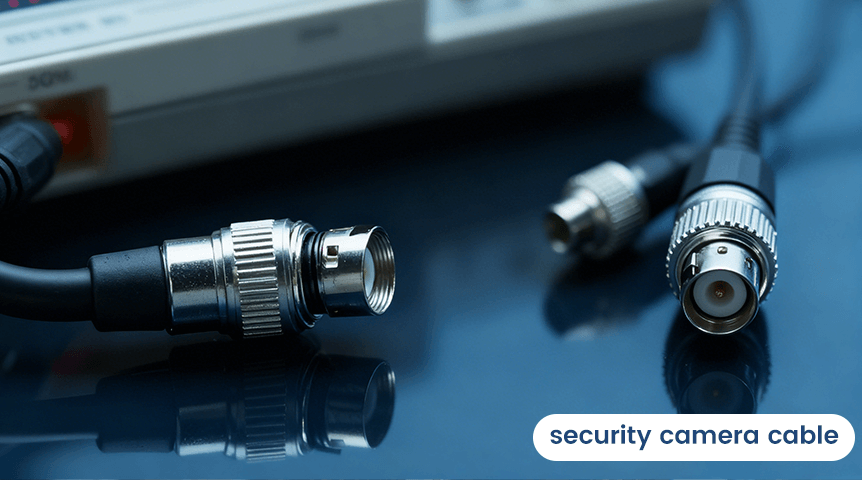
When setting up a security camera system, many people focus on the cameras themselves while overlooking a critical component: the security camera cable. The right cable ensures stable video transmission, reliable power supply, and long-term system performance.
In this blog, we’ll explain what security camera cables are, the common types, how to choose the right one, and installation tips to help you build a dependable surveillance system.
Contents
What Is a Security Camera Cable?
A security camera cable is used to transmit video, power, and sometimes audio or data between the camera and the recording device or network. The cable type you choose directly affects image quality, signal stability, and installation flexibility.
Common Types of Security Camera Cables
1. Ethernet Cable (Cat5e / Cat6)
Ethernet cables are commonly used for IP and PoE (Power over Ethernet) cameras.
Advantages:
Transmits power and data through a single cable
Supports high-resolution video (1080p, 4K, and beyond)
Long transmission distance (up to 100 meters / 328 feet)
Easy to expand and manage
Best for: PoE security camera systems and modern network-based setups.
2. Coaxial Cable (RG59 / RG6)
Coaxial cables are used in analog or HD analog camera systems.
Advantages:
Stable signal over long distances
Less interference in some environments
Widely available and cost-effective
Best for: Traditional DVR systems or upgrading older camera setups.
3. Siamese Cable
Siamese cable combines coaxial video and power wires in one jacket.
Advantages:
Simplifies installation
Reduces cable clutter
Reliable power and video transmission
Best for: Analog cameras requiring separate power connections.
4. Fiber Optic Cable
Fiber optic cables are used in large-scale or long-distance installations.
Advantages:
Extremely long transmission distance
Immune to electromagnetic interference
Supports ultra-high-resolution video
Best for: Commercial buildings, campuses, and industrial environments.
How to Choose the Right Security Camera Cable
When selecting a cable, consider the following factors:
Camera Type
IP/PoE cameras → Ethernet cable
Analog cameras → Coaxial or Siamese cable
Distance
Ethernet: up to 100m (without extender)
Coaxial: up to 300m (depending on quality)
Fiber: kilometers
Environment
Outdoor use: weatherproof, UV-resistant jacket
Indoor use: standard PVC jacket
Video Resolution
Higher resolution cameras require higher-quality cables to avoid signal loss.
Installation Tips for Security Camera Cables
Avoid running cables parallel to high-voltage power lines
Use conduit for outdoor or underground installations
Label cables for easy maintenance
Leave extra cable length for adjustments
Secure cables to prevent strain or damage
Common Cable Problems and Solutions
Problem Possible Cause Solution
Blurry video Poor cable quality Upgrade to higher-grade cable
No signal Loose or damaged cable Check and replace connectors
Interference Power line interference Reroute or use shielded cable
Final Thoughts
Choosing the right security camera cable is just as important as selecting the camera itself. A high-quality cable ensures stable performance, clear video, and fewer maintenance issues over time.
Whether you’re installing a small home system or a large commercial surveillance network, investing in the right cable will save time, money, and frustration in the long run.
Related Posts
 How to Set Up Security Cameras: Top 7 Things to Know Before Installation
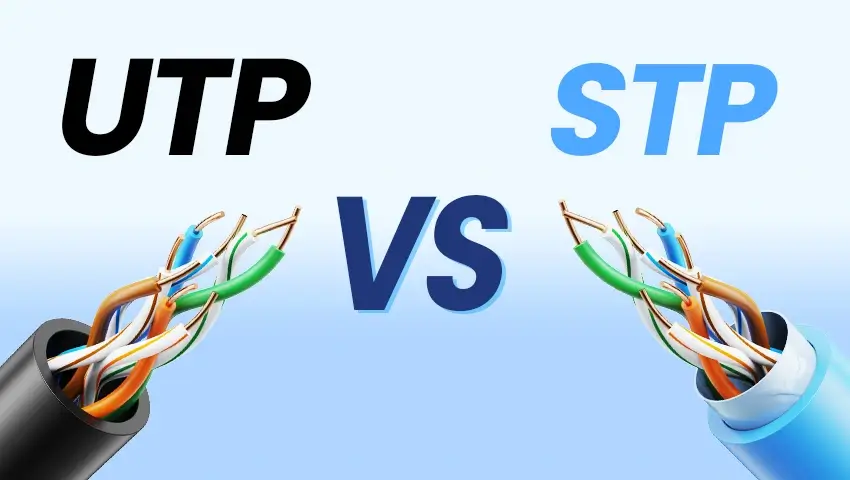 UTP vs STP: Choosing the Right Cable for Your Security Camera System
 4K Security Cameras: 9 Key Things Before Making Your Purchase
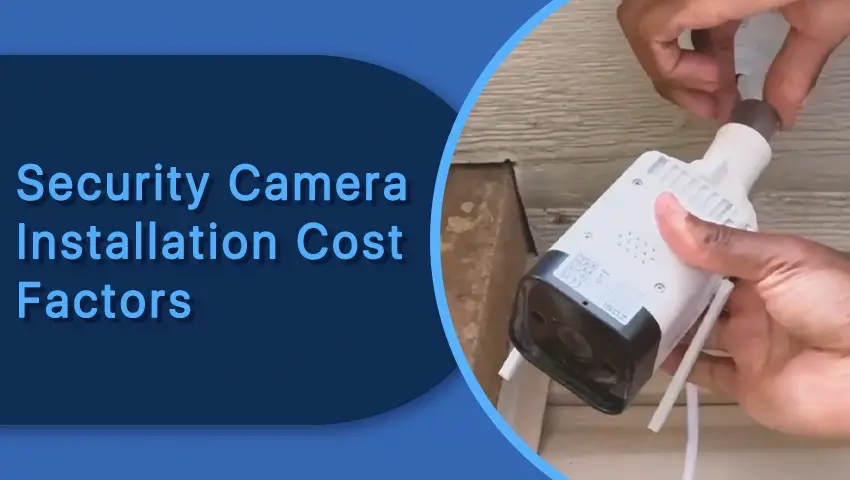 Security Camera Installation Costs: Factors & Budget-Friendly Options
 PoE Security System for Easier Installation: Don’t Worry about Wiring?